
The short answer
I would not install a paid app for every category before launch. Start with Shopify’s included tools. Consider email and reviews when you have a specific use for them. Let repeated problems decide the next upgrade.
An app store makes it easy to imagine the store you might run one day. Loyalty rewards and advanced reporting all sound useful. The harder question is which of them will help with the orders you are actually handling.
This is a guide to deciding when to add things. It is not a claim that the same small set of apps will suit every business. A subscription-product store can have different requirements from a shop selling a handful of physical products.
Research-based recommendations. Startup Stacked is free to use, with no paid plans or upgrade fees. Third-party tools may charge separately. Our editorial approach.
At a glance
USD where a dollar price is shown. Annual equivalents require the stated commitment. Taxes, usage, and optional services may be additional.
The shortlist, explained
Here’s why I’d consider each option, and what I’d check before paying.
Email once you have a reason to send
Omnisend
An email tool becomes useful when you have permission to contact people and something worth sending them. Omnisend has a free tier. I would check whether that covers the actual list before paying for more capacity.
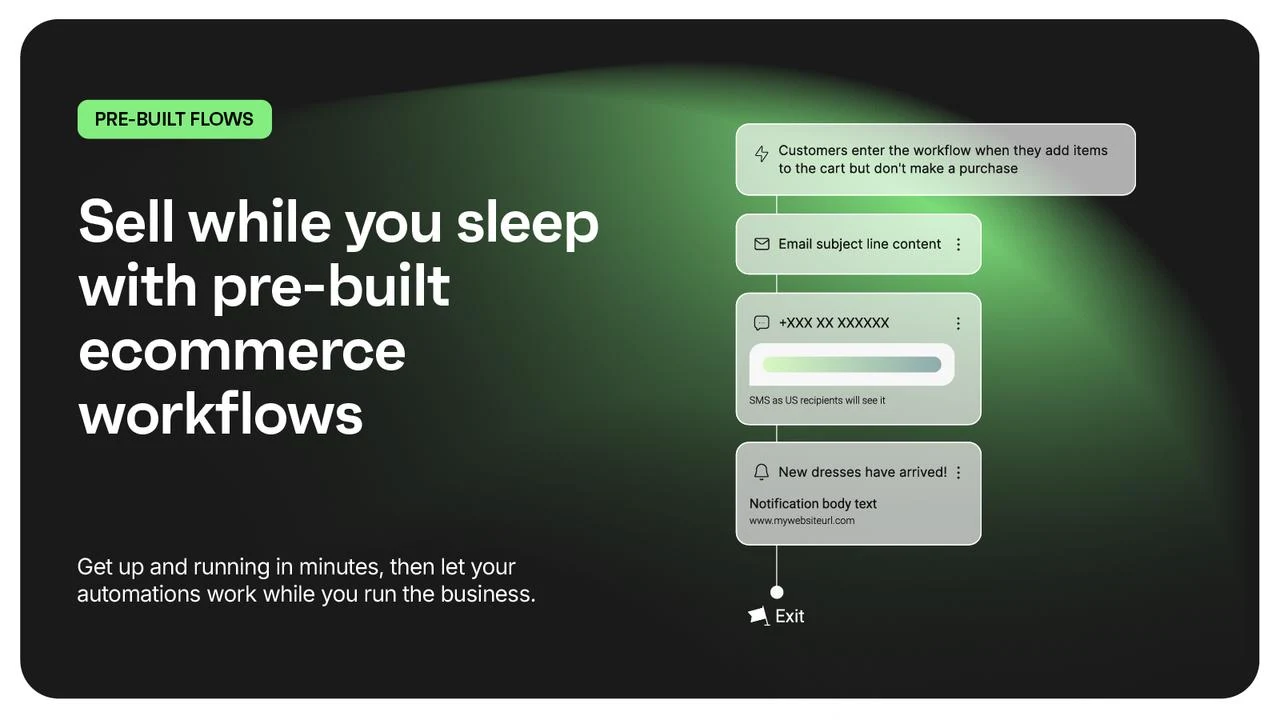
Check before choosing: The published free tier allows 500 emails per month to up to 250 contacts. SMS has its own costs and rules.

Collecting feedback from real orders
Judge.me
Reviews matter when there are real customers to ask. Judge.me offers a free plan for collecting and displaying reviews. I would start there if its features fit rather than pay for an upgrade before there is feedback to display.
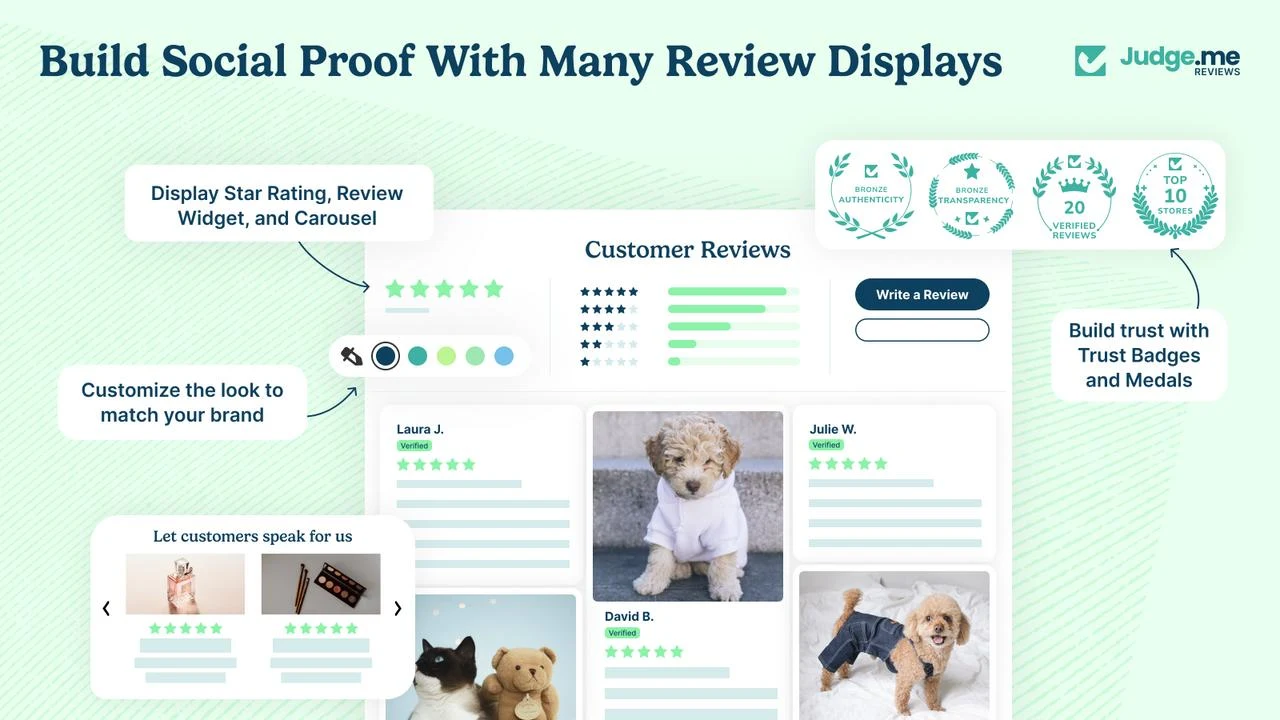
Check before choosing: Choose based on the review features you need. Never fill an empty store with invented customer reviews.

- 1Test the included features
- 2Identify one specific gap
- 3Compare the regular app cost
Look inside Shopify before paying twice
Shopify includes hosting as part of the platform. Start by exploring the included features and your theme settings before shopping for an app to do the same job.
I would make a list of what the store needs to do and test each task with the current setup. Find a real gap first. Then compare apps that fill that gap.
Apps I would usually leave for later
A loyalty program is easier to judge once you understand whether customers naturally return. Advanced reporting becomes more useful when there is enough activity to answer a specific question. A dedicated support system earns its place when keeping up with enquiries becomes difficult.
Those are judgement calls rather than fixed order thresholds. If subscriptions or bookings are central to what you sell then the app that enables them may be essential from the start.
- Loyalty upgrades — revisit when you have a repeat-purchase problem to solve.
- Advanced analytics — first name the decision the report will help you make.
- Extra page builders — check whether the theme can create the layout you need.
- Automation add-ons — first understand the task you want to automate.
A free app still needs a quick check
Free is a price rather than a guarantee of a good fit. Check permissions and what happens to the storefront if you remove the app. Check whether its free tier can handle the work you expect.
I would add one app at a time and check the customer journey afterwards. Open a product page and walk through the relevant steps. It is easier to spot what changed when you have not installed five things together.
Compare the normal bill rather than the launch offer
Put the standard post-trial amount into your software budget. Add any usage charges you reasonably expect as a separate estimate. Annual billing can lower the monthly equivalent while requiring more money upfront.
My Stack lets you compare those commitments and keep the tools and plans you are considering together. Its software estimate does not include your complete cost of running a store.
My recommendation
Where I’d start
My starting rule would be one clear job for every app. Keep a tool if it earns its place. Let the rest wait until the store gives you a reason to add it.
Sources & approach
These recommendations are based on the publishers’ documented features and pricing, reviewed September 29, 2026. They aren’t results from hands-on benchmark tests. Check the selected plan before buying; prices and availability can change.
Examples and suggested evaluation thresholds are illustrative. Tell us if something needs correcting.