
The short answer
Small subscriptions become expensive when you judge each one alone. Add the regular prices together. Separate annual commitments from monthly payments and review overlapping jobs before adding another tool.
A small monthly charge is easy to justify in the moment. I struggled with that when trying to start businesses. I could see why each tool might help without keeping a clear picture of the total.
That is the problem I want Startup Stacked to make easier to see. You do not need to feel bad about trying things. You need a way to decide what stays before the next bill arrives.
Research-based recommendations. Startup Stacked is free to use, with no paid plans or upgrade fees. Third-party tools may charge separately. Our editorial approach.
At a glance
USD where a dollar price is shown. Annual equivalents require the stated commitment. Taxes, usage, and optional services may be additional.
The shortlist, explained
Here’s why I’d consider each option, and what I’d check before paying.
A place to sell
Shopify
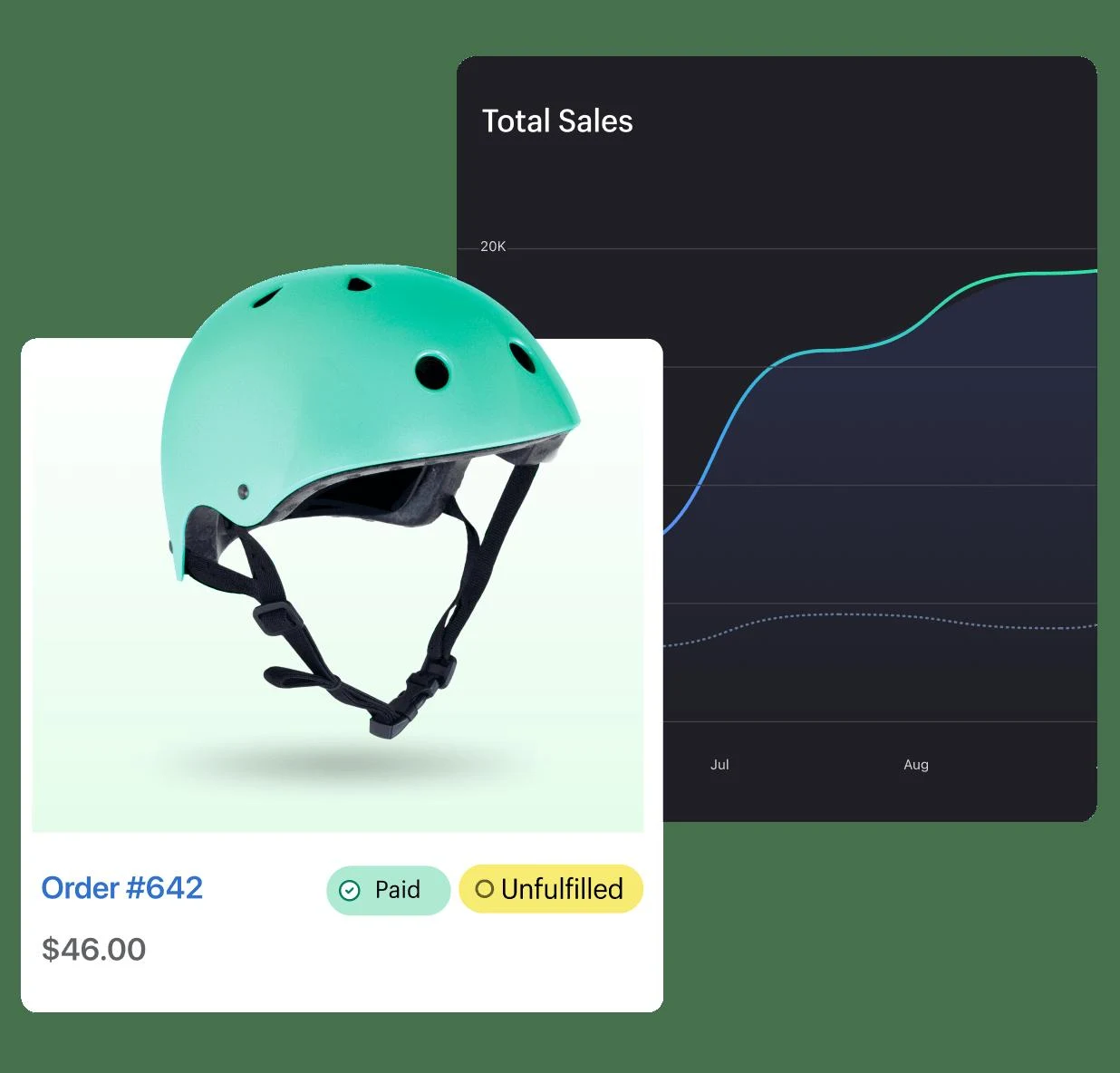
I would start with the platform decision before looking at apps. Shopify includes hosting and a checkout. That means a separate hosting subscription is not another box you need to tick for the same store.
Check before choosing: Budget for payment processing and any domain or apps separately. A trial is not a permanent free store plan.

Collecting feedback from real orders
Judge.me
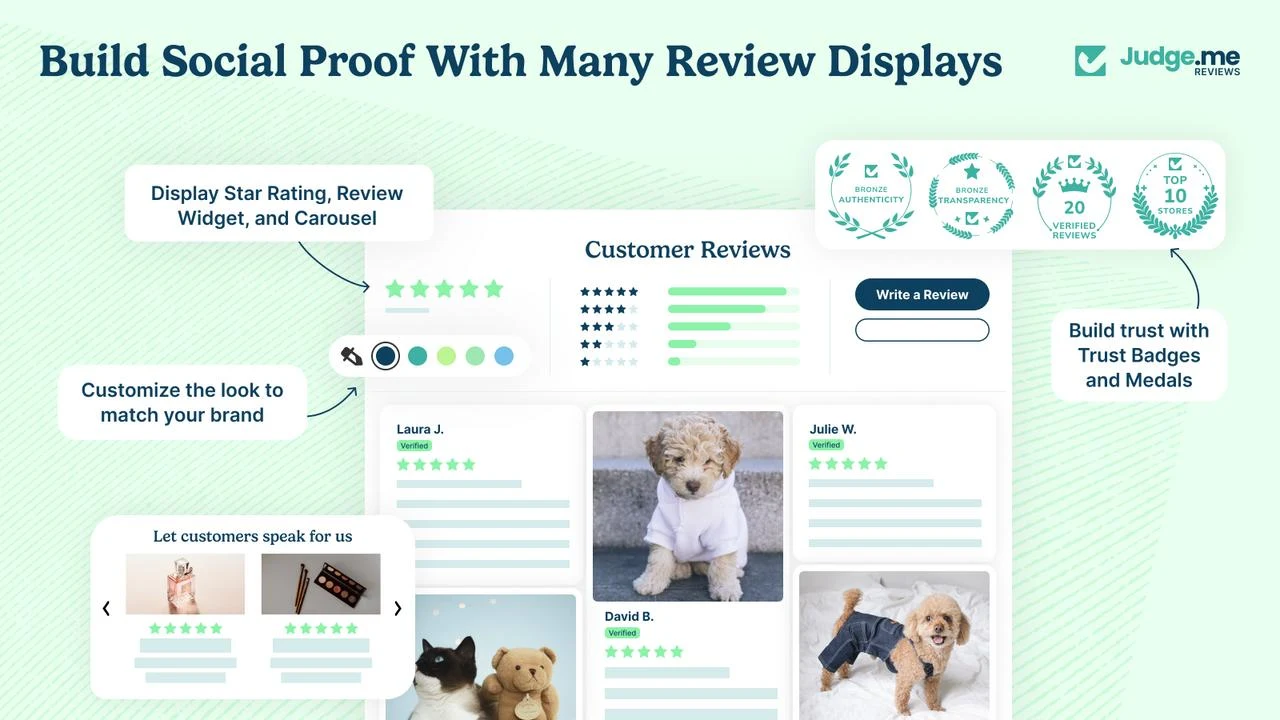
Reviews matter when there are real customers to ask. Judge.me offers a free plan for collecting and displaying reviews. I would start there if its features fit rather than pay for an upgrade before there is feedback to display.
Check before choosing: Choose based on the review features you need. Never fill an empty store with invented customer reviews.

- 1List every regular software charge
- 2Separate billing periods and one-time costs
- 3Review the jobs before adding more
Eight small decisions can become a bigger commitment
Here is an invented example rather than a vendor price quote. Suppose your platform costs $40 a month. Three add-ons at $15 each bring the total to $85. An annual subscription costing $180 adds another $15 to the monthly equivalent. Your software now represents $100 a month or $1,200 over a full year.
The timing matters too. You could owe the $180 annual charge today as well as the monthly bills. A monthly equivalent helps comparison but it does not describe when money leaves your account.
Sort the charges before deciding what to cut
Start with the tools you use and the regular amount each one costs. For a domain use the actual registration or renewal amount rather than treating every domain as a fixed monthly subscription. Put one-time purchases in a separate total.
Then write the job beside each charge. Two tools might overlap without being identical. Decide whether you need the difference before assuming one can replace the other.
- Monthly — use the expected bill including necessary seats.
- Annual — record the full annual amount and renewal date.
- Variable — add a realistic estimate and note what changes it.
- One-time — keep it separate from recurring software costs.
Use a budget as a decision aid
A $100 monthly software limit can be a useful exercise. It is not a universal target. A business that needs several team seats or specialist software may have a good reason to spend more.
I would start with what is necessary to deliver the work. Then ask which optional tool is worth the remaining budget. If the setup is over the limit look at what can wait before stripping out something essential.
Make the next review easy
Before renewing a tool ask when you last used its paid features and what would happen if you downgraded. Check export options and any cancellation terms before making a change. A lower bill is not a saving if it creates a bigger operational problem.
Keep the shortlist small enough to review. My Stack helps you put tools and costs together but it does not scan your bank account or cancel subscriptions for you. Confirm your actual bills with each provider.
My recommendation
Where I’d start
I would rather see the whole bill before adding one more small subscription. Put your current tools into My Stack and compare their combined cost. Review the things that can wait before adding another subscription.
Sources & approach
These recommendations are based on the publishers’ documented features and pricing, reviewed September 29, 2026. They aren’t results from hands-on benchmark tests. Check the selected plan before buying; prices and availability can change.
Examples and suggested evaluation thresholds are illustrative. Tell us if something needs correcting.