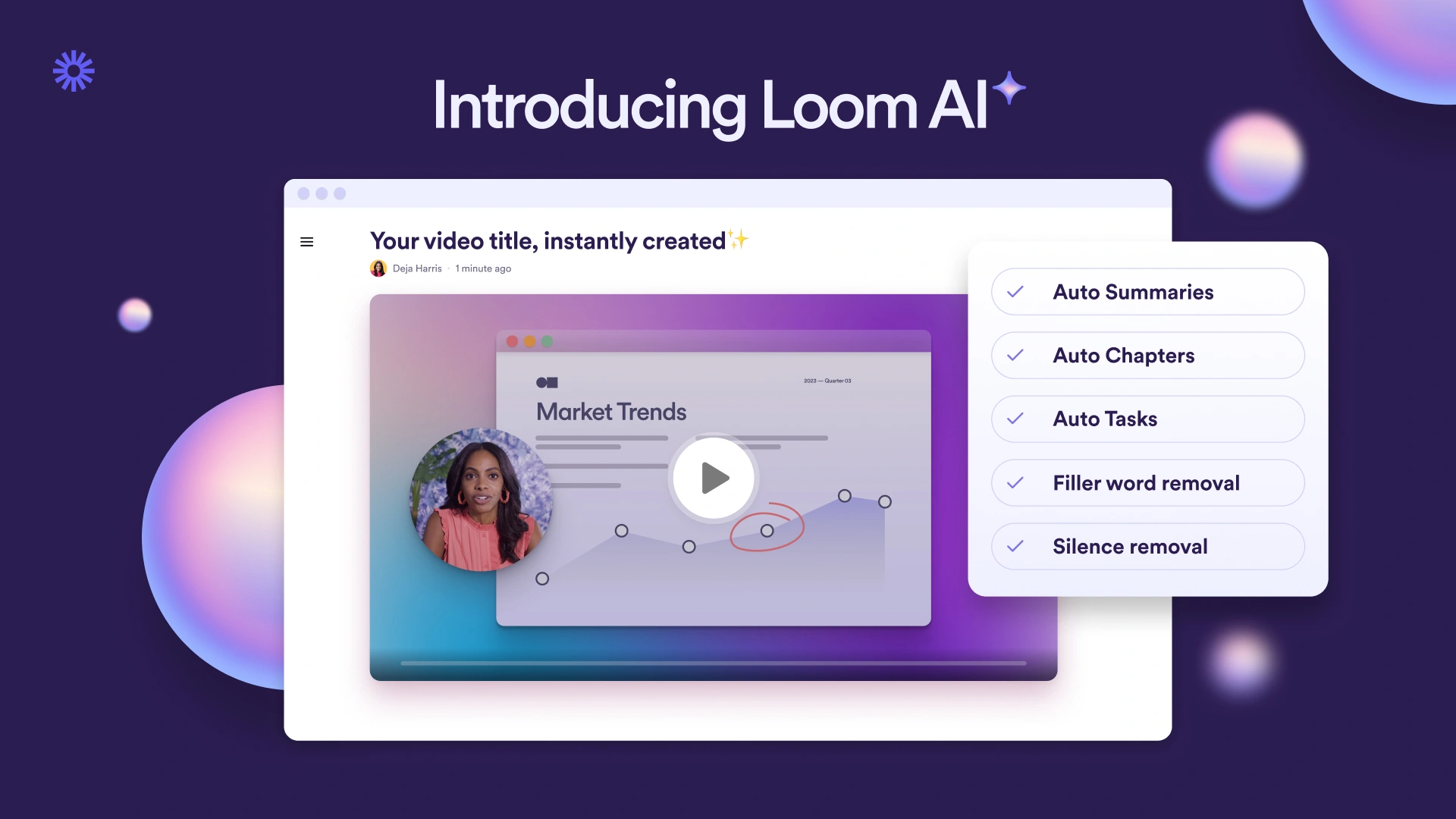
Loom records your screen, camera, and voice, then provides a shareable video link for teammates or customers. Viewers can respond with comments and reactions, while transcripts make a walkthrough easier to scan.
Public rating not verifiedFree: 25 videos and 5-minute screen recordings.
Loom is a good fit for handoffs, software walkthroughs, and feedback that benefits from seeing the screen.
Low-friction screen explanations
Viewers can respond asynchronously
Starter screen recordings are limited to five minutes
Paid licenses scale with the team
Best for:
Solo usersSmall teamsGrowing businesses
Best use case: Record a store setup walkthrough for a teammate.
Record a store setup walkthrough for a teammate. Explain a customer issue with a screen recording. Review designs or campaign work without another meeting.
Read the full assessment
Loom is a good fit for handoffs, software walkthroughs, and feedback that benefits from seeing the screen. Keep each recording focused on one task and provide a short written takeaway. Starter works for occasional short explanations; Business becomes useful when the five-minute limit or recording count starts interrupting real work.
Strengths
Low-friction screen explanations
Viewers can respond asynchronously
Transcripts make video easier to revisit
Works across desktop, browser, and mobile
Tradeoffs
Starter screen recordings are limited to five minutes
Paid licenses scale with the team
Long recordings still need structure and editing
Who it suits
Record a store setup walkthrough for a teammate.
Explain a customer issue with a screen recording.
Review designs or campaign work without another meeting.
About Loom
Loom records your screen, camera, and voice, then provides a shareable video link for teammates or customers. Viewers can respond with comments and reactions, while transcripts make a walkthrough easier to scan. It is useful for explaining something that would be cumbersome to describe in a long message.
Paid plans remove the Starter screen-recording limits and add editing, branding, and administration features. Business + AI adds transcript-based editing and AI summaries. Meeting recordings and screen recordings have different limits, so choose a plan for the type of content you actually produce.
Pricing & Plans
Prices use the currency shown. Tax, usage limits and billing terms vary by provider.
Save up to 17% with annual billing
Starter
$0/mo
For occasional short walkthroughs.
25 videos per person
5-minute screen recordings
Transcripts in 50+ languages
Comments and reactions
Full plan details & limits
For occasional short walkthroughs.
For occasional short walkthroughs. Monthly billing.
Business
$18/seat/mo
For regular business recordings.
Unlimited videos and recording length
Video uploads and downloads
Basic waveform editing
Branding controls
Full plan details & limits
For regular business recordings.
For regular business recordings. Monthly billing.
Business + AI
$24/seat/mo
For faster editing and follow-up.
Business recording capabilities
Transcript-based editing
Filler-word and silence removal
AI titles, summaries, and meeting notes
Full plan details & limits
For faster editing and follow-up.
For faster editing and follow-up. Monthly billing.
FeaturesScreen and camera recording · Shareable video links and embeds · Comments and reactions
Screen and camera recording
Shareable video links and embeds
Comments and reactions
Transcripts and captions
Editing and branding options on paid plans
AI summaries and transcript editing on Business + AI
RatingsAn independent customer rating has not been verified for this listing.
We could not verify a public customer rating for this specific product.
Integrations & connectionsHow Loom fits into your workflow
Loom supports sharing and embeds across tools including Slack, Jira, Confluence, Notion, Gmail, and GitHub. Salesforce integration and some administration features depend on the plan.
Cost considerationsBilling, usage limits and additional fees
USD per user: Business $18/month or $180/year; Business + AI $24/month or $240/year. Starter includes 25 videos per person and five-minute screen recordings. Annual prices shown are for one licensed user; enterprise controls may require additional Atlassian services.