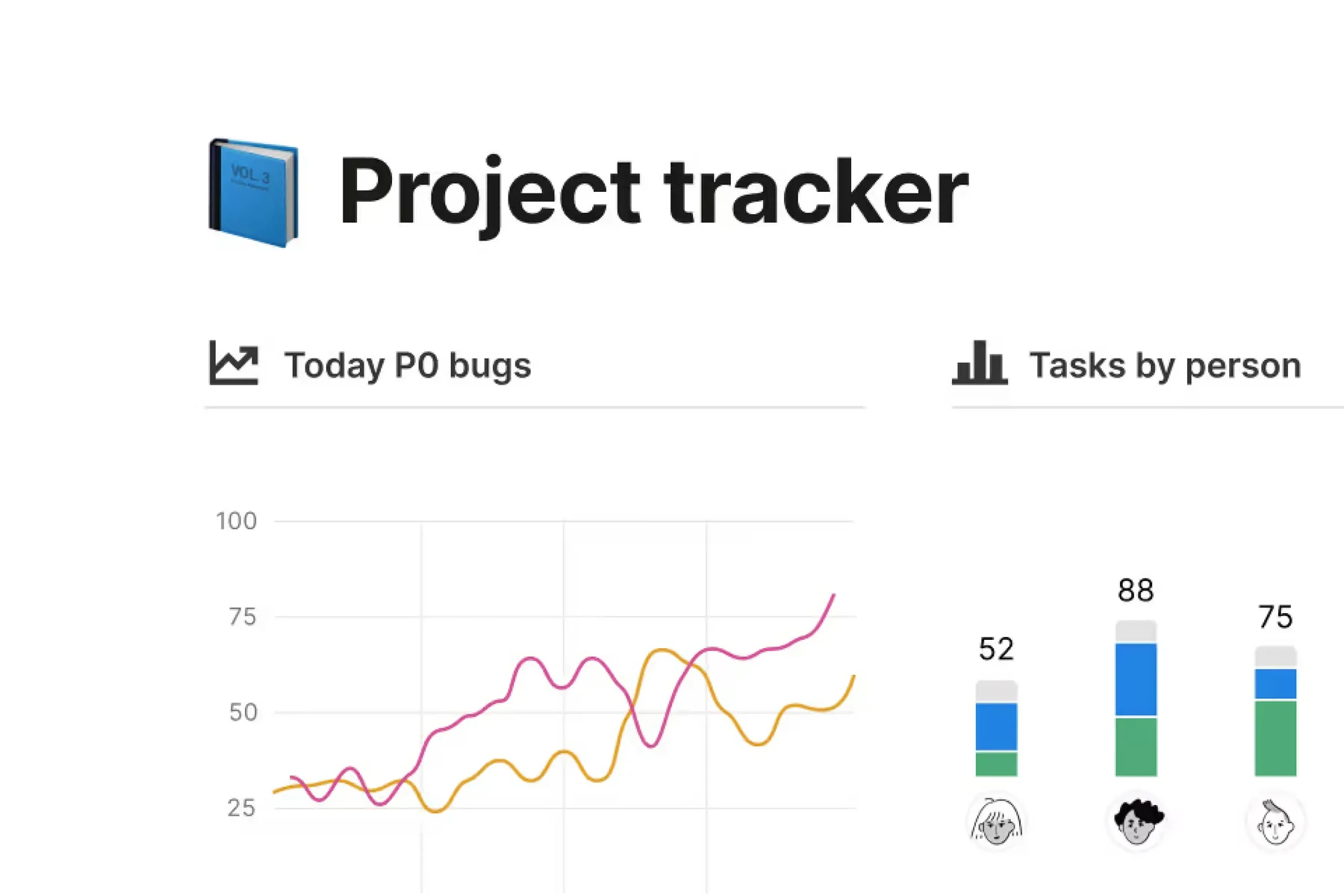
Notion combines pages, documents and databases in a customizable workspace. Teams can create a wiki, manage projects, publish pages and collect form responses, with related information linked together.
Notion works well when documentation and lightweight project tracking need to stay close together.
Flexible linked pages and databases
Documentation and projects together
Structure and upkeep are the team’s responsibility
Advanced collaboration requires paid seats
Best for:
Solo usersSmall teamsGrowing businesses
Best use case: Keeping project tasks, decisions and supporting documents connected in one shared workspace.
Useful for personal organization and teams maintaining shared documents and project context.
Read the full assessment
Notion works well when documentation and lightweight project tracking need to stay close together. Start with a few shared databases and a clear page hierarchy, then assign owners for keeping information current. Plus is useful for ordinary team collaboration; Business makes more sense for its permissions and AI features. Keep recurring agent usage separate from seat pricing, and test offline access with the pages the team actually needs away from a connection.
Strengths
Flexible linked pages and databases
Documentation and projects together
Forms and publishing options
Desktop and mobile offline page access
Tradeoffs
Structure and upkeep are the team’s responsibility
Advanced collaboration requires paid seats
Agent usage and domains cost extra
Complex setups can become difficult to navigate
Who it suits
Teams building a shared knowledge base
Small businesses combining docs and trackers
Projects where context matters alongside tasks
About Notion
Notion combines pages, documents and databases in a customizable workspace. Teams can create a wiki, manage projects, publish pages and collect form responses, with related information linked together. Desktop and mobile apps provide access alongside the browser, and selected pages can be downloaded for offline use.
Free supports individual work with limits for collaborative teams. Plus expands collaboration and publishing; Business adds advanced permissions and core AI workspace features. Custom Agents and Workers use a separate credit model. A useful Notion setup needs clear ownership and a simple structure so flexibility does not turn into a maze of duplicate pages.
Pricing & Plans
Prices use the currency shown. Tax, usage limits and billing terms vary by provider.
Save up to 17%
Free
$0/mo
Individual-use plan with basic workspace features.
Trial Notion AI
Basic forms
Basic sites
Notion Calendar
Full plan details & limits
Individual-use plan with basic workspace features.
Free
Notion Mail syncing with Gmail
Databases with subtasks, dependencies, custom properties
7-day page history
Up to 5 MB file uploads
10 external guests
Block usage constrained for workspaces with more than one member
File uploads capped at 5 MB each
Guest limit 10
Offline access is page-by-page rather than auto-downloaded recents/favorites
Recommended
Plus
$12/member/mo
Plan for small teams.
Everything in Free
Custom forms
Custom sites
Unlimited charts
Full plan details & limits
Plan for small teams.
USD 12/month per member
Unlimited collaborative blocks
Unlimited file uploads
Basic connections like Slack and Google Drive
30-day page history
Unlimited guests
AI access labeled as trial in the report
Business
$24/member/mo
Plan for growing teams needing advanced collaboration, security, and AI-related workspace features.
Everything in Plus
Notion Agent
AI Meeting Notes
Enterprise Search beta
Full plan details & limits
Plan for growing teams needing advanced collaboration, security, and AI-related workspace features.
USD 24/month per member
SAML SSO
Granular database permissions
Verify any page
Private teamspaces
Domain verification
Premium connections
90-day page history
Some AI items are labeled Limited Trial in the report
More plans, volume options & API pricing (1)
Enterprise
Contact sales
Enterprise plan with custom pricing and additional security/control features.
Everything in Business
Zero data retention with LLM providers
SCIM user provisioning
Advanced security and controls
Full plan details & limits
Enterprise plan with custom pricing and additional security/control features.
FeaturesBlock-based docs and pages, Databases with subtasks, dependencies, custom properties, filters, charts, and dashboards, Forms and web publishing / Sites + more.
Block-based docs and pages
Databases with subtasks, dependencies, custom properties, filters, charts, and dashboards
Forms and web publishing / Sites
AI workspace features including chat, generate/edit docs, autofill databases, answer search, meeting notes, research mode, agents, and custom agents/Workers
Offline use supported with Free page-by-page offline and paid auto-download of Recents and Favorites
RatingsG2: 4.6/5, Capterra: 4.7/5, Apple App Store: 4.8/5
Customer ratings from the linked platforms, separate from our recommendations. Scores and counts can change; each platform uses its own review process.
Integrations & connectionsHow Notion fits into your workflow
Notion Calendar, Notion Mail with Gmail sync, Notion AI / Agents / Workers / Notion Mail AI, Slack, Google Drive, Microsoft Teams, GitHub, Jira, Box, OneDrive, Salesforce, Asana, Zapier, Google Analytics, SIEM/DLP tools, SCIM, SAML SSO, Webhooks, Public API, Embeds/link previews, One-way database syncs
Cost considerationsBilling, usage limits and additional fees
Verified USD seat prices: Plus $12/member/month or $10 billed annually; Business $24 or $20 annually. Free has a 5 MB upload cap, 7-day history, 10 guests and limited blocks for workspaces with multiple members. Plus/Business history is 30/90 days; paid guest access is listed as unlimited. Core AI is trial-limited on Free/Plus and included on Business within product limits. Custom Agents cost $10 per 1,000 monthly Notion credits after trial; Workers beta begins using credits October 15. Those are additional usage costs, not standalone workspace plans. Custom domains cost extra. Plus and Enterprise availability can vary by workspace.