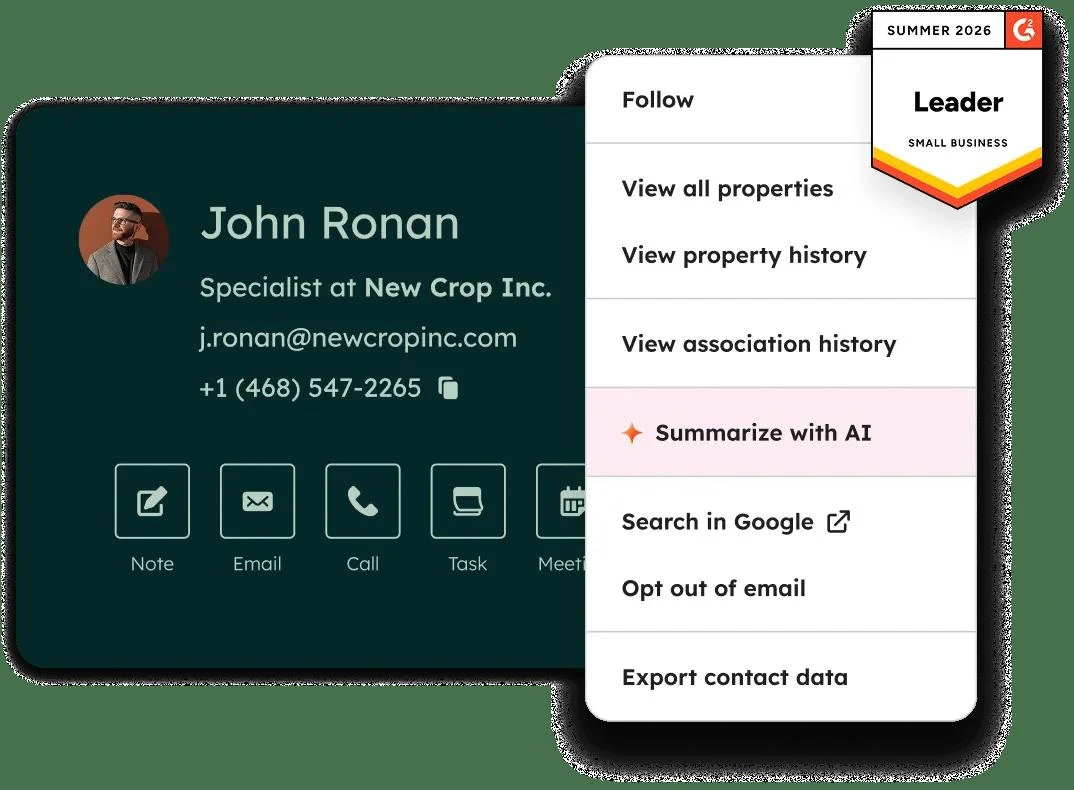
HubSpot combines customer records with marketing, sales, service, content, data and revenue tools. Teams can follow a contact from an initial form submission through a deal and later support interactions.
HubSpot is a useful choice when marketing, sales and service need a shared view of customers.
Shared records across customer-facing teams
Free tools for an initial workflow
Seats and contacts both affect cost
Advanced bundles involve larger commitments
Best for:
Solo usersSmall teamsGrowing businesses
Best use case: Connecting lead capture, sales follow-up and support history to the same customer record.
Solo operators can start with CRM; teams can expand into coordinated sales and marketing workflows.
Read the full assessment
HubSpot is a useful choice when marketing, sales and service need a shared view of customers. Its bundle reduces the number of separate systems to connect, provided the included Hubs match real workflows. Begin with a small set of lifecycle stages and clean records before adding automation. For paid deployments, model seat types, marketing-contact growth and AI consumption together; the entry price alone does not describe a larger team’s budget.
Strengths
Shared records across customer-facing teams
Free tools for an initial workflow
Bundled and individual product options
Marketplace and API integration paths
Tradeoffs
Seats and contacts both affect cost
Advanced bundles involve larger commitments
Credit-based AI adds variable usage
Implementation needs clear data ownership
Who it suits
Growing teams coordinating customer workflows
Marketing-led businesses
Organizations consolidating CRM tools
About HubSpot
HubSpot combines customer records with marketing, sales, service, content, data and revenue tools. Teams can follow a contact from an initial form submission through a deal and later support interactions. Shared records, reporting and automation help coordinate work across those stages.
The Customer Platform bundles multiple HubSpot products, while individual Hubs can also be purchased separately. Free and Starter support simpler workflows; Professional and Enterprise add broader automation and management capabilities. Seats, marketing contacts, onboarding and consumption-based AI credits can all influence the final package.
Pricing & Plans
Prices use the currency shown. Tax, usage limits and billing terms vary by provider.
Save up to 10%
Free
$0/mo
Free tools / free plan.
Contact and deal records
Basic marketing and sales tools
Basic service, content, data and revenue tools
Up to 2 users.
Full plan details & limits
Free tools / free plan.
$0/mo
Up to 1,000 contacts.
Up to 1 million records across other standard object types.
Recommended
Customer Platform Starter
$20/seat/mo
Starter editions of the platform products.
Higher Free-tool limits
Remove branding from email, scheduling and live chat
Page editor
Deal pipelines and ticketing
Full plan details & limits
Starter editions of the platform products.
USD 20/month per seat
500 HubSpot Credits included
Per-seat pricing; promotional eligibility varies
Customer Platform Professional
$1,450/mo
Professional editions of the bundled Hubs.
Marketing, Sales and Service Hub Professional
Content, Data and Revenue Hub Professional
Advanced automation and reporting
Six seats included; confirm seat-type breakdown
Full plan details & limits
Professional editions of the bundled Hubs.
USD 1450/month
2,000 marketing contacts included
5,000 HubSpot Credits
Annual commitment even when paid monthly
More plans, volume options & API pricing (1)
Customer Platform Enterprise
Contact sales
Enterprise platform package with higher controls and allowances.
Enterprise editions of the bundled Hubs
Advanced governance and customization
Higher reporting and workflow allowances
Eight seats included; confirm seat-type breakdown
Full plan details & limits
Enterprise platform package with higher controls and allowances.
Is HubSpot a good fit for a small ecommerce business?
Shortlist HubSpot when your team needs to manage customer relationships across enquiries, sales, and support. If your immediate job is sending store emails, start by comparing that narrower workflow before paying for a broader platform.
Why is there more than one HubSpot price?
HubSpot sells individual Hubs and bundles. A Marketing Hub quote and a Customer Platform quote cover different products, so their entry prices are not interchangeable. This page’s plan catalog uses Customer Platform pricing; identify the exact product bundle before comparing a quote.
What should a small business include in its HubSpot budget?
Ask for the required seat types and quantities, marketing-contact allowance, onboarding, and any usage charges. Marketing Hub tiers have different included contacts and seats, and Professional and Enterprise list mandatory onboarding fees. Compare the full commitment and renewal terms, not only a promotional monthly figure.
When should you compare a dedicated email tool instead?
If no one needs a sales pipeline or a shared customer handoff, compare the email task first. Use the same subscriber count, automation requirements, and store events for each candidate. Our recommendation is to buy the broader CRM workflow only when someone will maintain and use it.
A practical trial checklist
Trace one test enquiry from a form to an assigned follow-up and a completed deal.
Write down which data your store must exchange with the CRM and verify the supported integration.
Price the seats and contact tier you expect in six months, including required setup.
Buying guide sources · checked September 27, 2026
Based on provider documentation and our assessment of workflow fit; no hands-on benchmark is claimed. Trial steps and cost examples are suggestions.
FeaturesBuilt on Smart CRM., Combines marketing, sales, customer service, website/content management, and data management., Supports open APIs. + more.
Built on Smart CRM.
Combines marketing, sales, customer service, website/content management, and data management.
Supports open APIs.
Supports single sign-on.
Includes certified integrations.
Uses shared CRM data and automation to coordinate campaigns, sales activity, support handling, and content publishing.
Uses HubSpot Credits for some AI features and agents.
RatingsCapterra: 4.5/5, Apple App Store: 4.7/5, Google Play: 4.5/5
Customer ratings from the linked platforms, separate from our recommendations. Company profiles can cover several products and customer-service experiences. Small review samples may not be representative. Scores and counts can change; each platform uses its own review process.
Integrations & connectionsHow HubSpot fits into your workflow
Gmail and Google Workspace, Microsoft Outlook, Salesforce, Marketplace integrations, Public APIs
Platforms & availabilityWeb app in supported desktop browsers · iOS and Android apps
HubSpot, Inc.
Free plan: Available. Free trial: Not verified.
Cost considerationsBilling, usage limits and additional fees
USD Customer Platform pricing: Free covers up to 2 users. Starter displays a $20/seat/month reference rate, with eligible new-customer promotions of $10 monthly or $7/month paid annually. The stack uses the reference rate, not temporary offers. Professional is $1,450/month with an annual commitment or $1,300/month equivalent paid annually; six seats are included. Enterprise starts at $4,700/month with eight seats and requires a configured quote. Additional Core Seats start at $50 Professional ($45 paid annually) and $75 Enterprise. Plans include 500, 5,000 or 10,000 HubSpot Credits a month; extra credits are $10 per 1,000-credit pack or $0.01 per credit pay-as-you-go, and actions consume different amounts. Marketing contacts, seat types, onboarding and add-ons affect the bill. Individual Hubs have separate pricing.