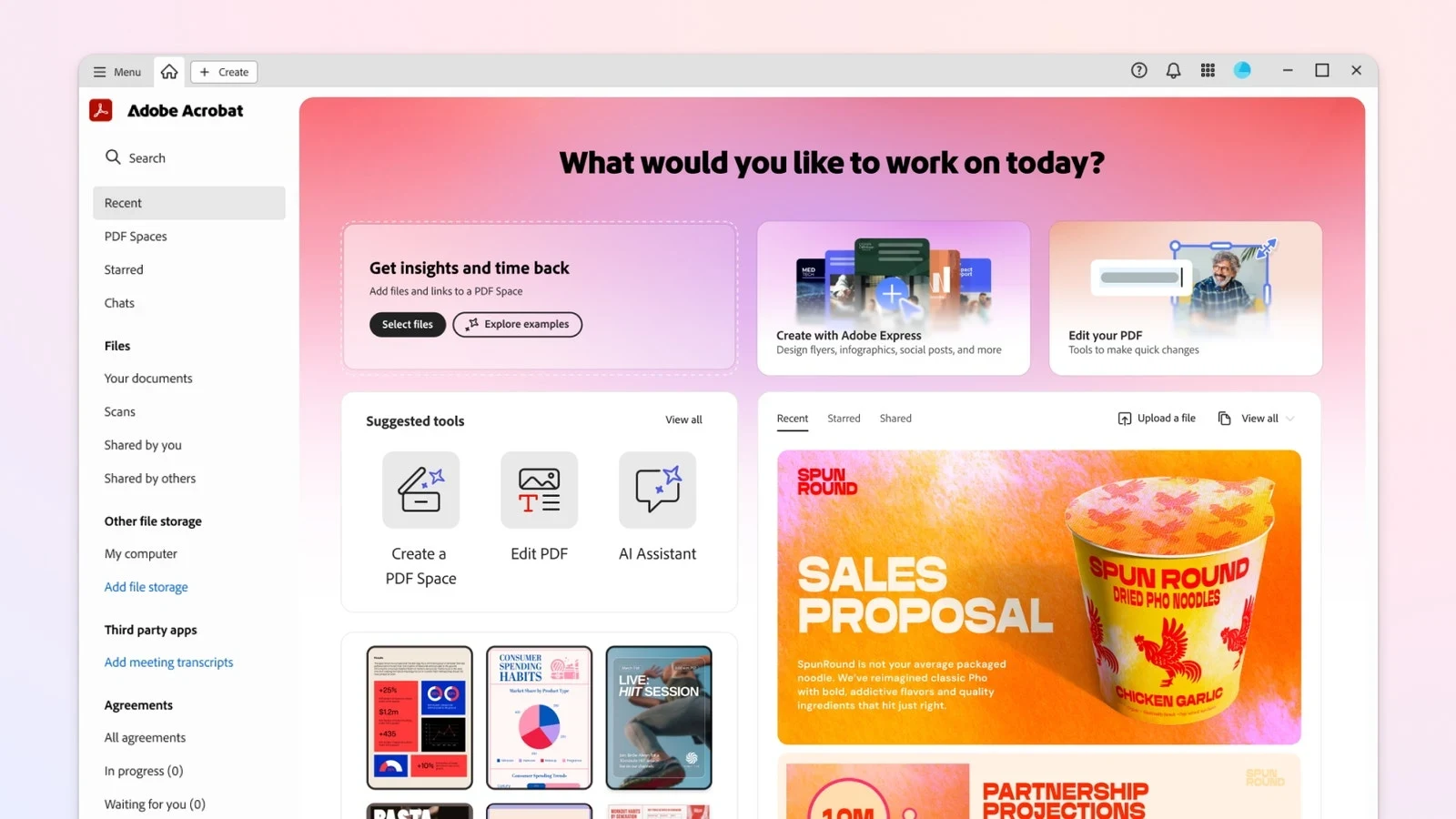
Edit, convert, organize, and sign PDF documents. Acrobat Pro adds tools such as scanned-text recognition and redaction for more demanding document work.
Acrobat is easier to justify when editing and preparing PDFs is a regular part of the job.
Broad PDF toolset
Handles scanned documents
Annual commitment can apply
AI services can be extra
Best for:
Solo usersSmall teamsGrowing businesses
Best use case: A business editing and combining client PDFs
Acrobat is easier to justify when editing and preparing PDFs is a regular part of the job. For occasional viewing and signing, start with Reader. Check existing Adobe entitlements before buying another subscription.
Read the full assessment
Acrobat is easier to justify when editing and preparing PDFs is a regular part of the job. For occasional viewing and signing, start with Reader. Check existing Adobe entitlements before buying another subscription. Acrobat Pro is also distinct from an enterprise Acrobat Sign agreement. Check whether your existing Adobe bundle already covers the app, and pay attention to annual contracts billed monthly: that payment schedule is not the same as a monthly commitment.
Strengths
Broad PDF toolset
Handles scanned documents
Desktop and web workflows
Tradeoffs
Annual commitment can apply
AI services can be extra
Potential Creative Cloud overlap
Who it suits
A business editing and combining client PDFs
An administrator preparing reusable document packs
A team checking whether its Adobe bundle covers PDF work
About Adobe Acrobat
Edit, convert, organize, and sign PDF documents. Acrobat Pro adds tools such as scanned-text recognition and redaction for more demanding document work.
Reader handles basic viewing; it is not the same as the paid editing subscription. Check whether Acrobat Pro is already included in your Creative Cloud bundle.
Acrobat is most useful when PDFs are working documents rather than files you only read. Editing, conversion, redaction and document comparison are reasons to compare paid editions; basic viewing alone is not. Acrobat Pro is also distinct from an enterprise Acrobat Sign agreement. Check whether your existing Adobe bundle already covers the app, and pay attention to annual contracts billed monthly: that payment schedule is not the same as a monthly commitment.
Pricing & Plans
Prices use the currency shown. Tax, usage limits and billing terms vary by provider.
Acrobat Reader
$0/mo
The displayed Pro offer is $19.99/month with an annual commitment, not cancel-anytime monthly billing.
View PDFs
Comment
Basic fill and sign
Full plan details & limits
The displayed Pro offer is $19.99/month with an annual commitment, not cancel-anytime monthly billing. Cancellation after 14 days can incur a fee. AI Assistant is extra; eligible Creative Cloud bundles may already include Pro.
The displayed Pro offer is $19.99/month with an annual commitment, not cancel-anytime monthly billing. Cancellation after 14 days can incur a fee. AI Assistant is extra; eligible Creative Cloud bundles may already include Pro.
Acrobat Pro — annual commitment
$19.99/mo
12-month commitment, billed monthly
$19.99/month on an annual contract; cancellation fee can apply after 14 days.
Edit and convert PDFs
OCR
Redact sensitive text
Full plan details & limits
$19.99/month on an annual contract; cancellation fee can apply after 14 days.
$19.99/month on an annual contract; cancellation fee can apply after 14 days. 12-month commitment; monthly payment does not mean cancel-anytime.
Customer ratings from the linked platforms, separate from our recommendations. Company profiles can cover several products and customer-service experiences. Small review samples may not be representative. Scores and counts can change; each platform uses its own review process.
Integrations & connectionsHow Adobe Acrobat fits into your workflow
Works with document workflows across desktop, browser, and supported cloud storage services; enterprise signing products have separate terms.
Platforms & availabilityWeb App
Free plan: Available. Free trial: Not verified.
Cost considerationsBilling, usage limits and additional fees
The displayed Pro offer is $19.99/month with an annual commitment, not cancel-anytime monthly billing. Cancellation after 14 days can incur a fee. AI Assistant is extra; eligible Creative Cloud bundles may already include Pro.